
A quiet rain scene can look finished until you play it with the sound off. The drops reach the sill, but nothing answers them. For a small sound-making project, give that scene a track you record yourself: a little dry rice moving inside a paper box.
You need a short original rain clip, a phone recorder, a shallow paper box, some dry rice and a video editor that accepts your own audio. The illustrations are AI-generated examples. This is a project to try, rather than a report of a completed recording test.
Start with rain you can follow
Try a written scene in Max Video AI’s text-to-video tool, Flaq AI’s free video generator or AI VideoWeb’s free video generator:
Fixed close view of an imaginary window and its plain outside sill on a grey afternoon. Fine rain falls beyond the glass. A brief little shower of drops reaches the sill, then becomes lighter. Keep the window, sill and camera still. No people, moving objects, words, logos or camera movement.
Download a useful result and watch its whole action. Look for a clear point where the rain becomes noticeable. You will use that point to place the recorded sound. If the frame wanders or the sill changes shape, simplify the scene and try again.

Mute the candidate while planning. The aim is to make your own sound belong to the picture, even if the generated file already contains audio.
Try the rice before pressing Record
Put a small amount of dry rice in the paper box. Hold the box above the table and tilt it slowly, letting the grains travel across the bottom. Try a shorter tilt, then a gentler return. Keep the movement small enough that the grains stay inside.
Listen to the texture. You are looking for a light patter rather than a loud rattle or scrape. This particular box might sound too hollow. Try less rice, a gentler movement or a different distance from the phone before deciding whether it suits your scene. There is no need to force a sound that does not fit.
Record a short, clean take
Choose a quiet moment, put the phone beside the box and open its usual audio recorder. Keep the microphone clear and the phone off the surface you are moving. Start recording, leave a brief quiet lead-in, make the pattering movement, stop your hands and leave another short pause before ending the recording.
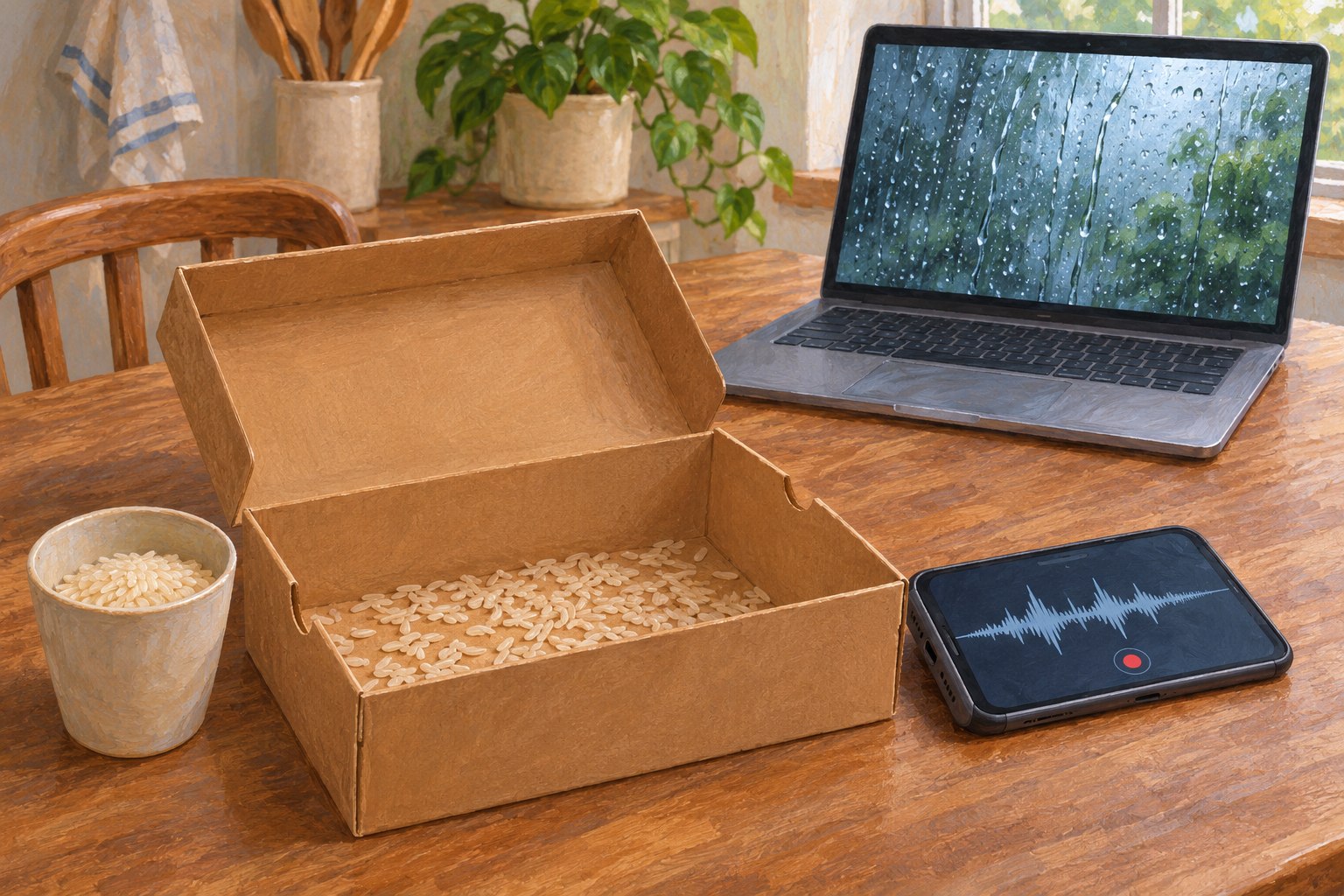
Listen back through headphones. A hand knocking the phone or a box scraping the table may be more obvious in the recording than in the room. Make another take if those sounds interrupt the rain. Keep the take whose texture you prefer; it need not resemble every individual drop.
Put the sound under the picture
Import the video and your recording into an editor with separate audio and video tracks. Mute the video’s original audio. Put the recording on an audio track below it, trim the quiet lead-in and move the first useful patter to the visible start of the shower.
Play across that join. If the sound begins before the rain becomes noticeable, move it a little later. If the shower appears first and the patter arrives afterwards, move it earlier. Then lower the volume until it supports the small scene rather than dominating it.
Trim the recording’s end to suit the picture. Export the short result and watch it once more with ordinary phone speakers as well as headphones. Keep the silent source and the original sound file too: the next version may need a softer rain, and you already know how to make one.

Author: fluxpronet
I write about visual storytelling, creative prompts, and AI-assisted video, sharing practical exercises and imaginative scenes to help turn small ideas into clear, shareable stories.